
S.O.N.A.R. Proximity Chat: How Voice and the PA Work
S.O.N.A.R.'s 3D proximity voice chat only carries to nearby crew, so the bridge uses a PA system and an emote wheel to reach the whole sub.
Table of Contents
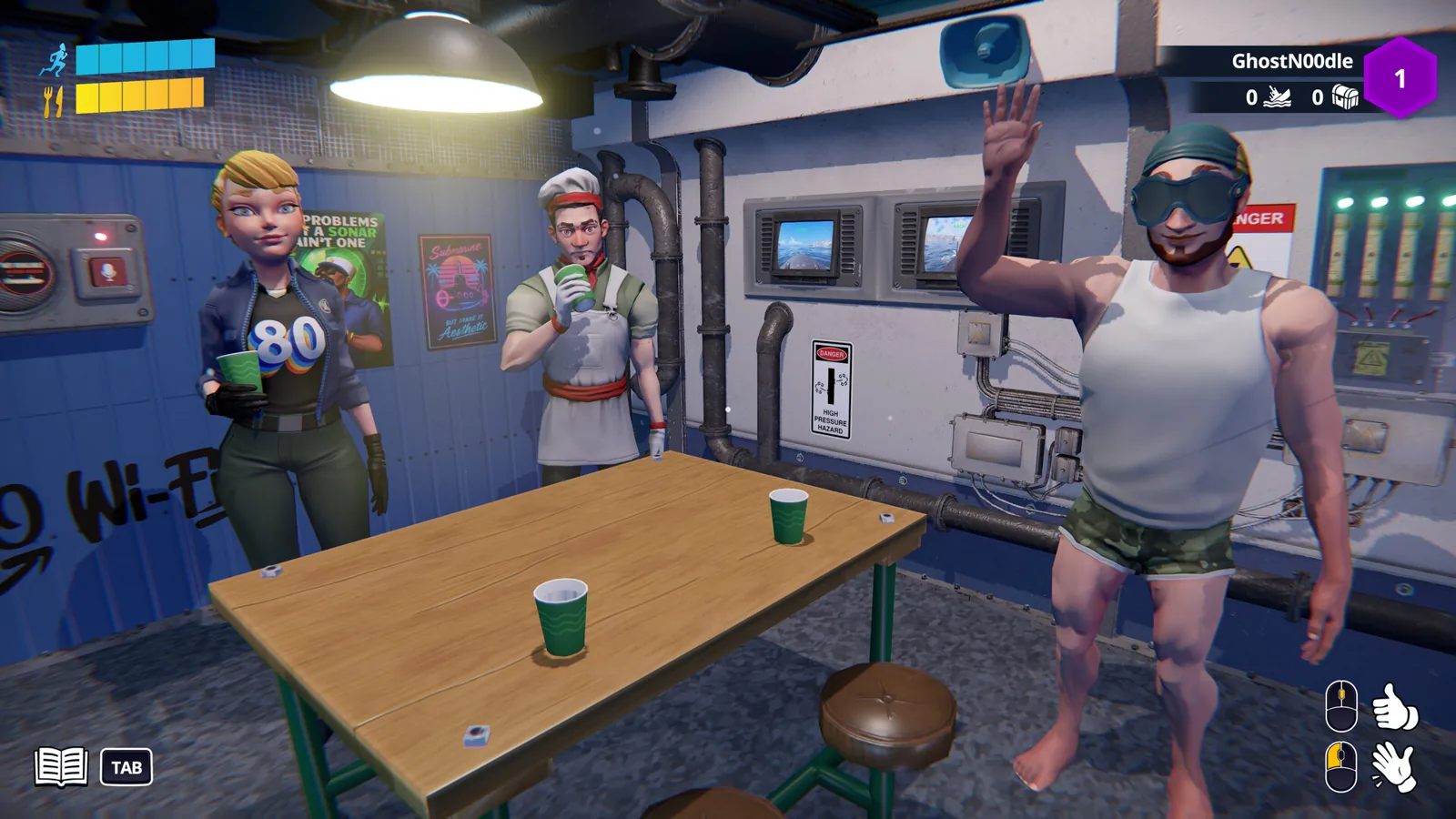
In S.O.N.A.R., proximity chat is 3D voice chat that only carries as far as the submarine's compartments allow. If a crewmate is standing in the same room as you, they hear you clearly; walk off to another deck and your voice fades to a mumble, then disappears entirely. The bridge's answer to that limit is an on-board PA (public address) system that broadcasts the captain's voice through the whole boat, backed up by an emote wheel for silent signals. That structure — local voice, ship-wide broadcast, non-verbal fallback — is the game's communication design as Abylight describes it in its post on how communication works inside S.O.N.A.R..
What "proximity" means in practice
You talk into your headset to give orders, coordinate repairs, or just narrate your own panic. The important part is that the game treats the hull and the corridors as real obstacles: the studio describes submarines as "thick, sound-muffling metal and narrow corridors," so distance between stations is the thing that decides whether you're heard.
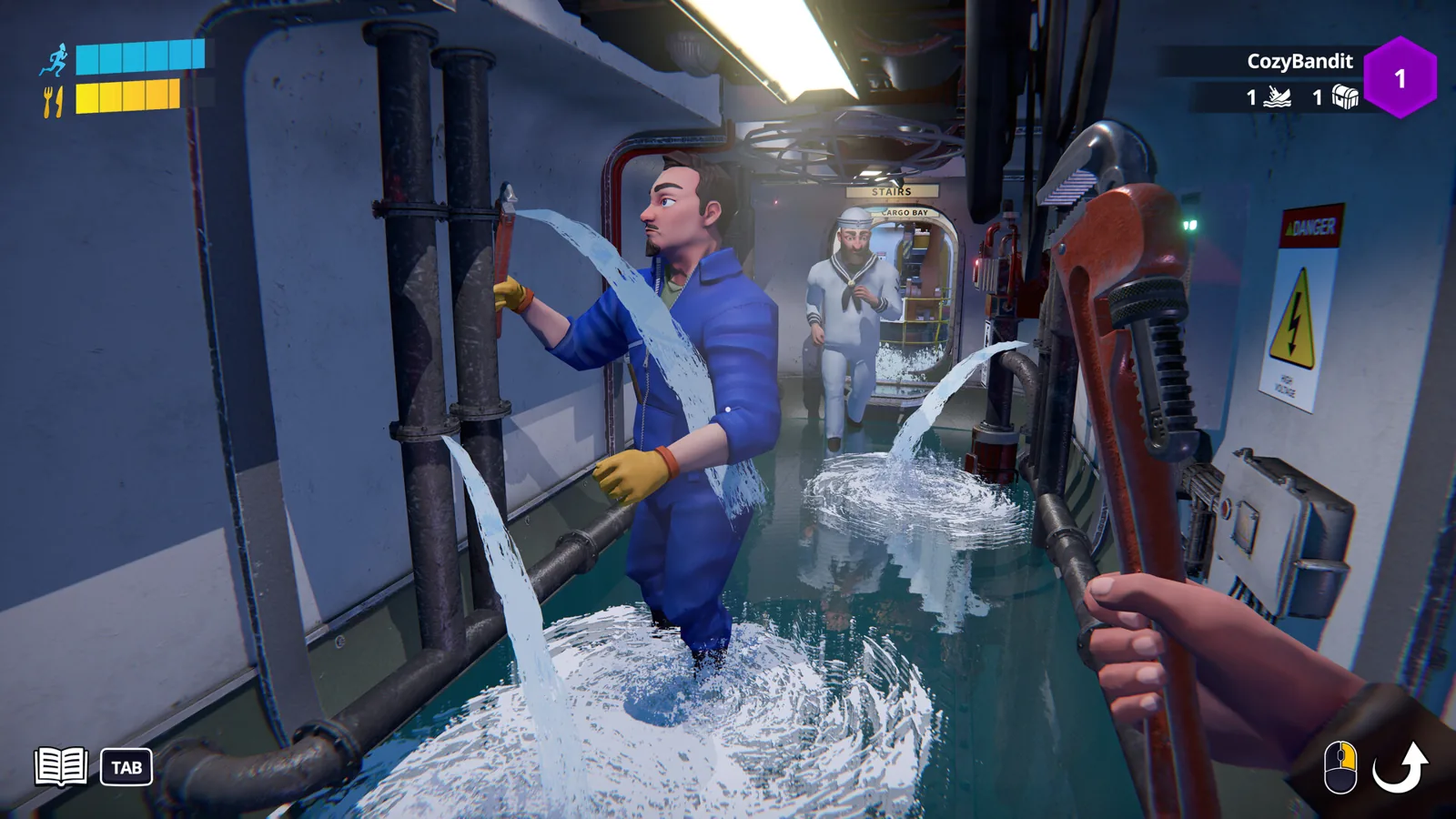
That has a direct consequence for how you play. When a pipe bursts on a lower deck, shouting for help from the helm is not a reliable way to get help — you can shout, but the crew who need to hear it are two bulkheads away. Either someone walks to where the problem is, or the person with the microphone authority has to relay it.
The official Steam page frames the same feature with the game's usual tone, listing proximity voice chat as the tool for shouting urgent orders, warning everyone about imminent disaster, and explaining why the catastrophe is definitely someone else's fault. The same description mentions giving a crewmate "a friendly slap back to reality" — a physical interaction, not a chat channel.
The PA system: talking to the whole boat
Abylight's communication post describes an on-board Public Address system, "just like on a real submarine," as the fix for voice range. The captain — the person commanding from the bridge — can use the ship's security cameras and a microphone to broadcast their voice across the entire vessel. That makes the PA the tool for coordinating manoeuvres and for managing a crisis that spans two compartments at once, where local voice can't reach the people who need instructions.
A September 14, 2026 release-date announcement on Steam lists the same set of tools in shorthand: "proximity chat, emotes and Intercom." The naming differs between the two write-ups, but both point at one ship-wide broadcast channel in addition to local voice.
When you can't or shouldn't talk
The emote wheel covers the gaps. According to the same post, players can bring up a quick radial menu of emotes and signals at any moment — pointing at a station to pull someone's attention to the radar, or throwing a salute to confirm an order landed. This matters in two situations the game sets up deliberately:
- You're out of voice range. A gesture still reads across a compartment even when your voice has faded out.
- You need to stay quiet. The store page's stealth missions ask the crew to slip past enemy destroyers undetected — "stay quiet, stay hidden" — and voice chat is the loudest thing on the boat.
Practical habits worth building
These follow from the described systems rather than from any tested routine:
- Pair up tasks with the people you'll need to talk to. If a repair and the helm must coordinate, having one of them near the other beats shouting through a bulkhead.
- Treat the bridge as the relay. If a problem is reported from a compartment you can't hear, the captain broadcasting it is faster than hoping the message travels.
- Agree on a couple of emotes before you dive. The wheel is only useful if the crew reads the same signal the same way.
- Report position, not just the problem. "Leak in the engine room" tells the captain whether the person who said it can still be heard by anyone.
What isn't documented
The material describes the design but not the controls: no keybinds, push-to-talk options, or numeric voice ranges are given in the pages above, so treat any specific button or metre figure you see elsewhere with suspicion. The communication post was published on July 22, 2026, during the playtest period, and the Steam page lists the game as releasing October 29, 2026, with a Steam Next Fest demo running October 19–26 — details may have been tuned between those builds.
If your mic isn't reaching anyone, the conditional basics are worth checking: that you're actually in the same compartment as the person you're calling, that the game's volume settings (the Steam page lists custom volume controls) haven't muted voice, and that your headset is the input your system is using.
FAQ
How does proximity chat work in S.O.N.A.R.?
It's 3D voice chat tied to your position in the submarine. Crewmates in the same room hear you clearly; as you move away through the corridors, your voice fades and eventually cuts out.
Can I talk to the entire crew at once?
Yes, through the on-board PA system. The captain can broadcast over the ship's speakers using the security cameras and a microphone, which reaches every compartment regardless of where each player is standing.
Why can't my teammates hear me?
Most likely you're in a different compartment from them — proximity voice doesn't carry through the boat. Move closer, or ask whoever is on the bridge to repeat your message over the PA.
Are there non-verbal ways to communicate?
Yes. A radial emote wheel lets you point at stations, salute, and send other signals at any moment, which works when voice range fails or when a stealth mission means the crew should keep quiet.
Related Articles
Continue Reading
S.O.N.A.R.: How to Play With Friends in Co-op
How to crew up in S.O.N.A.R.: grab the free Steam demo, split the stations, sort voice chat, and work around the connection snags players hit.
S.O.N.A.R. Player Count: How Many Crew Can Play
S.O.N.A.R. - Submarine Operators Not Actually Ready player count: no public figure before launch, plus the crew and match sizes that the Steam page states.
pvp
S.O.N.A.R. carries a PvP tag on Steam. The competitive side is online 4v4 Team Deathmatch between two submarines, alongside the co-op modes.
S.O.N.A.R. Sonar Guide: How to Use the Sonar Station
Sonar in S.O.N.A.R. is a crew station, not a single button: what the operator does, where to learn it in the demo tutorial, and how to coordinate.
S.O.N.A.R. Controller Support: What the Steam Page Lists
The Steam page lists Full controller support with DualShock and DualSense, plus gamepad vibration in the demo. What that means before launch.
S.O.N.A.R. System Requirements: Min and Recommended
The Windows minimum and recommended specs listed on the S.O.N.A.R. Steam page, what the two tiers actually change, and what the page leaves open.