
S.O.N.A.R. Sonar Guide: How to Use the Sonar Station
Sonar in S.O.N.A.R. is a crew station, not a single button: what the operator does, where to learn it in the demo tutorial, and how to coordinate.
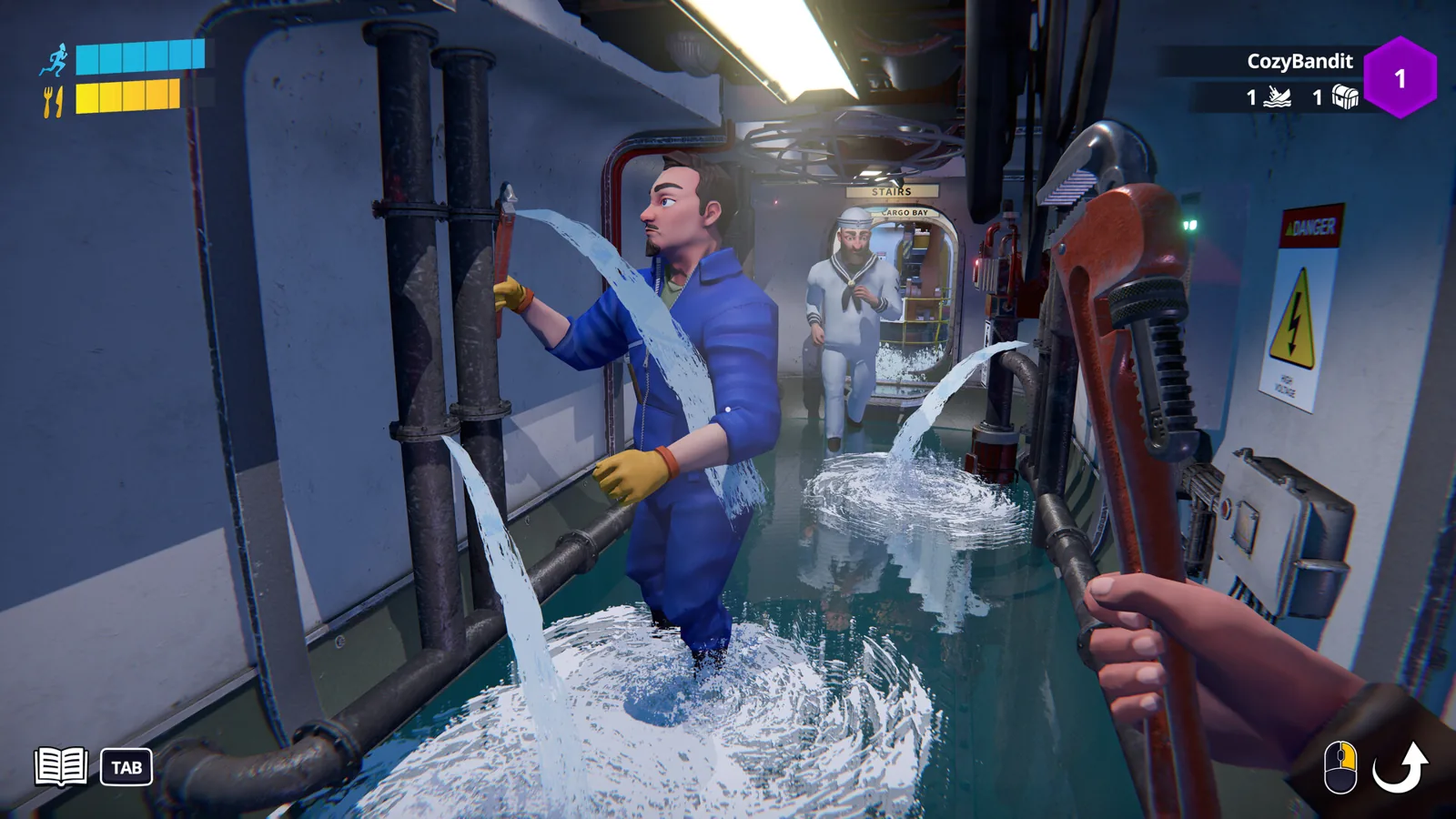
Table of Contents
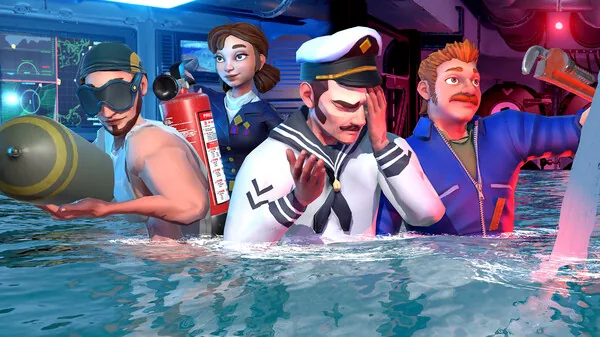
In S.O.N.A.R. - Submarine Operators Not Actually Ready, "using sonar" means manning the sonar station as one of the crew, not pressing one magic key. The game's Steam page describes a submarine where up to four crew members share nine critical stations — navigation, diving, sonar, periscope operations, engineering, damage control and others — and it states plainly that "your sonar operator tracks contacts while the rest of the crew keeps the submarine alive."
So the short answer: one player takes the sonar station, reads the contact picture, and calls what they see to the crew; the helm and weapons players act on it. The exact key bindings and on-screen prompts are not described on the Steam page or in Abylight's public announcements, so this page covers the role and where to learn it rather than a button list.
What the sonar station is actually for
The Steam page gives sonar three jobs across the mission types:
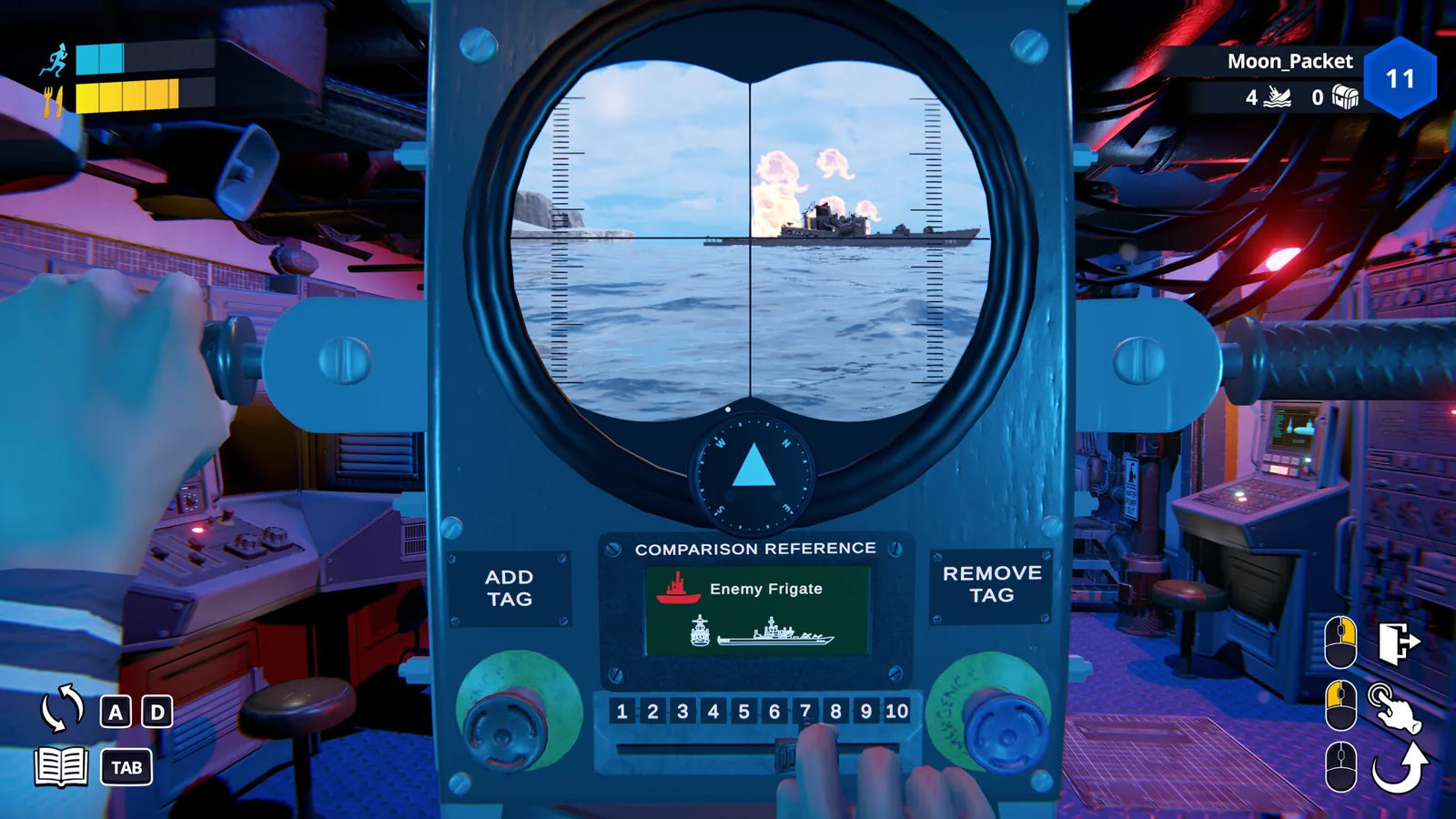
- Finding hostile vessels. Missions include locating enemy ships with sonar so the crew can engage them.
- Searching the seabed. Treasure-hunting missions use sonar to sweep the ocean floor for lost riches and artifacts.
- Feeding the crew. The sonar operator is the crew's contact tracker while the rest of the crew handles piloting, firing, repairs and flooding.
Stealth missions (slipping past destroyers) are described as a "stay quiet, stay hidden" problem rather than a sonar procedure, so don't assume the page says anything about active pings giving you away — it doesn't.
Before you start
- Get the demo. The free Steam demo went live on 30 September 2026 and was featured during Steam Next Fest, 19–26 October 2026. The full game is listed for release on 29 October 2026, and as of 2026-10-22 the Steam page still shows it as not yet available — so the demo is the build players can try before launch.
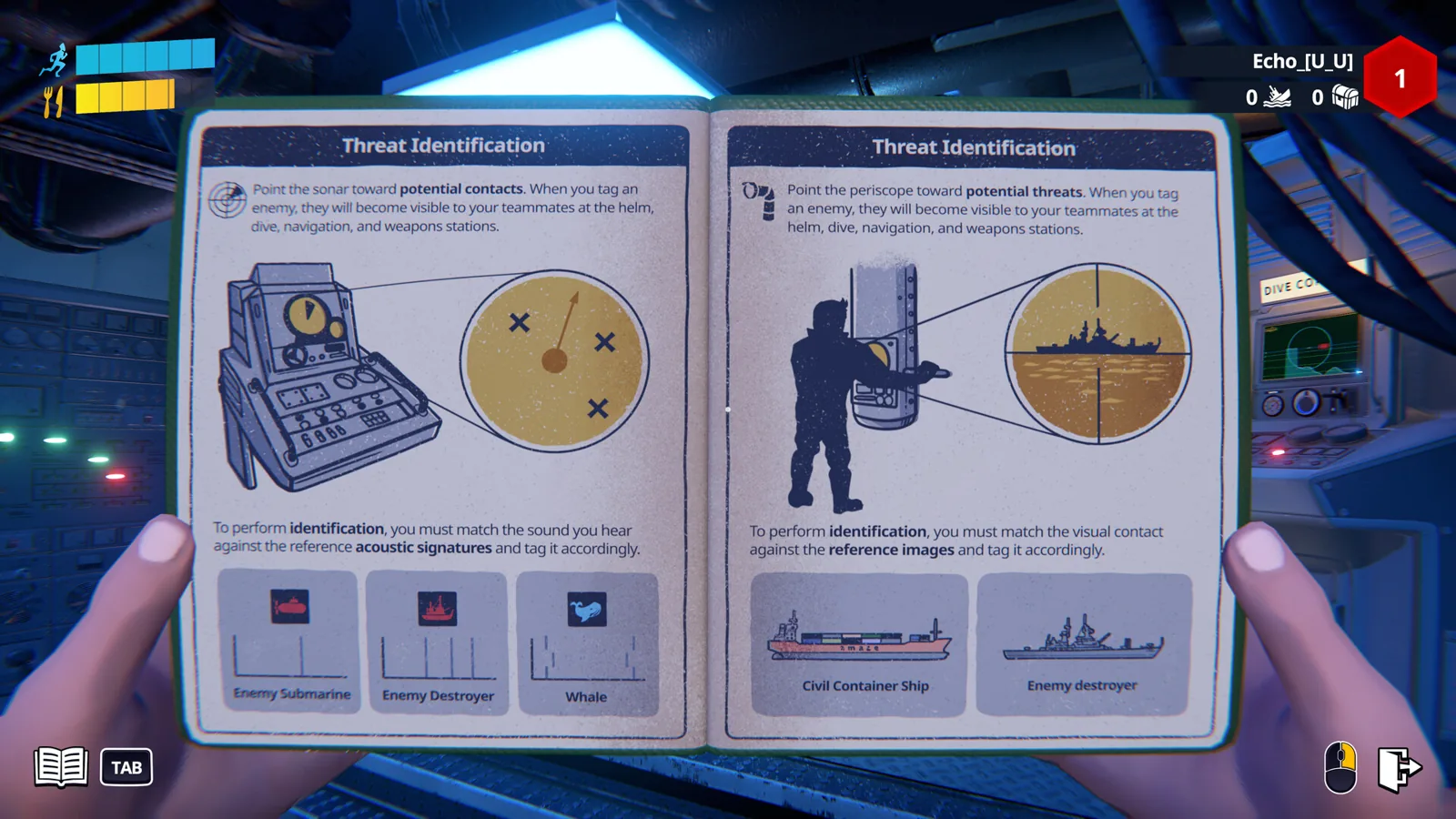
- Plan to learn in the tutorial. The 19 October demo announcement describes a single-player tutorial with "dedicated training stations to master the basics before heading to the seafloor." That is the place the developers describe for trying the sonar station without a crew depending on you.
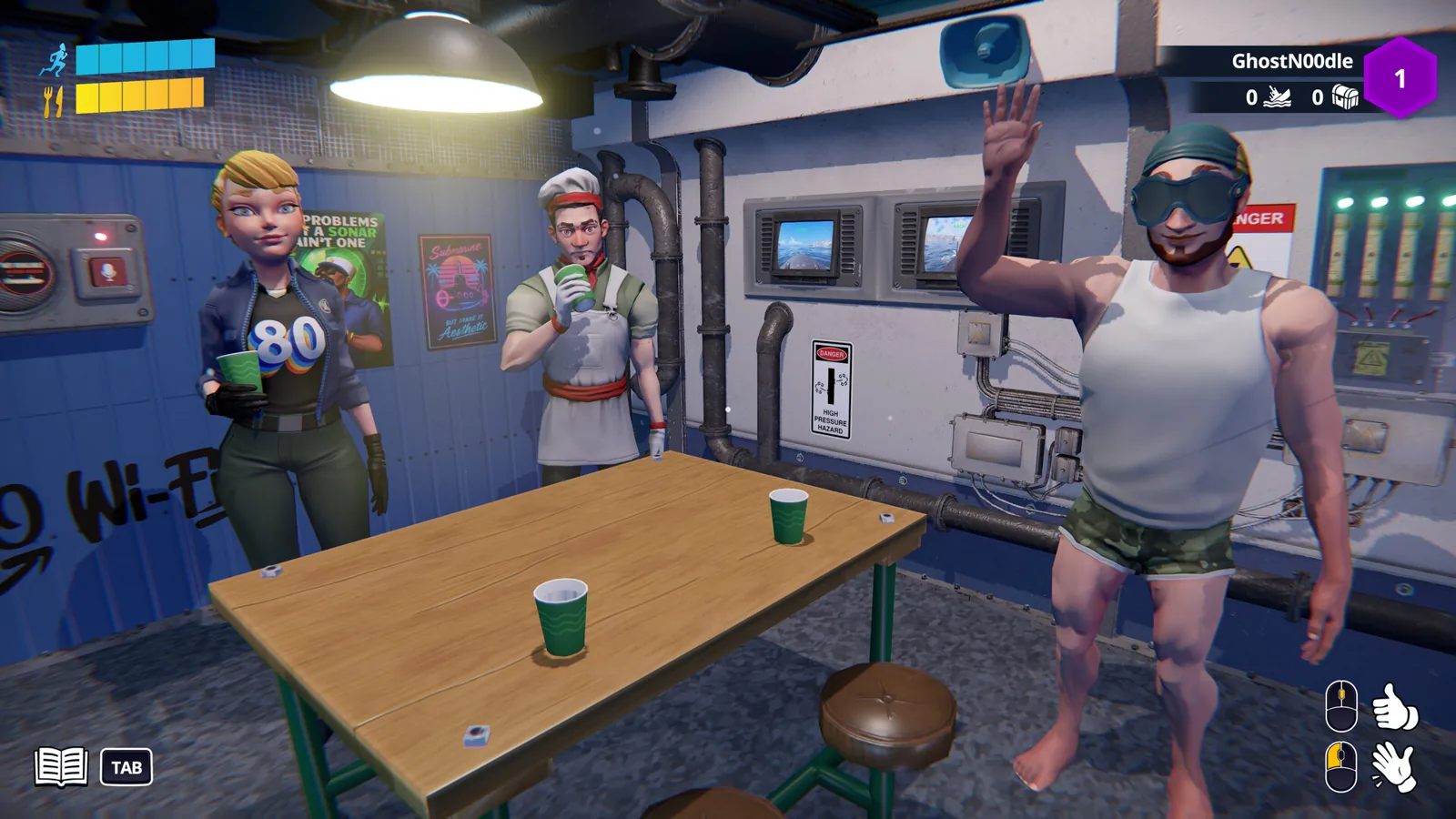
- Have voice chat ready. The game leans on proximity voice chat, emotes and intercom; the Steam page treats shouting urgent information as core to the sonar role.
The working loop
The page doesn't spell out a step-by-step station sequence, but the role it describes looks like this:
- Enter the tutorial or a co-op mission and take the sonar station rather than helm or weapons.
- Watch the contact picture. The sonar operator's job is tracking contacts — surface vessels during combat missions, seabed objects during treasure hunts.
- Report what you find over proximity voice chat or intercom so the pilot can steer and the weapon station can engage. The Steam page frames communication as the difference between a mission and "becoming fish food."
- Confirm the result by the crew acting on your call: a hostile located and engaged, or a seabed target marked for recovery. If nobody moves, the call didn't land — repeat it.
If it isn't working
These are general suggestions, not documented features:
- Can't find the station? Go back to the tutorial's training stations; that is the place the developers explicitly describe as teaching the basics.
- Crew ignoring you? Check you're on the same voice channel and try the intercom, since proximity chat depends on where people are standing.
- Video doesn't match your build? Demo builds have changed between releases — the v0.9.44.0 changelog reworked the navigation station and changed the weapon station — so older footage may show a different layout. Station behaviour in the demo may differ from the 29 October release.
Next steps
- S.O.N.A.R. Controller Support: What the Steam Page Lists
- S.O.N.A.R. Proximity Chat: How Voice and the PA Work
FAQ
How do you use sonar in S.O.N.A.R.?
You take the sonar station as your crew role, track the contacts it shows you, and call them out to the pilot and weapon operator. The Steam page describes the sonar operator as the person who tracks contacts while the rest of the crew keeps the submarine alive.
Is there a specific button or key for sonar?
The Steam page and Abylight's announcements don't publish sonar controls, and full controller support is listed without a mapping. The place the developers point to for learning the actual inputs is the single-player tutorial's training stations in the demo.
Can I practise sonar without a crew?
Yes — the demo's tutorial is single-player and includes dedicated training stations, so you can learn the sonar station before joining a co-op mission.
Why can't I find the sonar station in the demo?
Check the tutorial first, and check which demo build you're on: stations have been reworked between demo updates, so a guide or video made on an earlier build may point you at a layout that has since changed.
Related Articles
Continue Reading
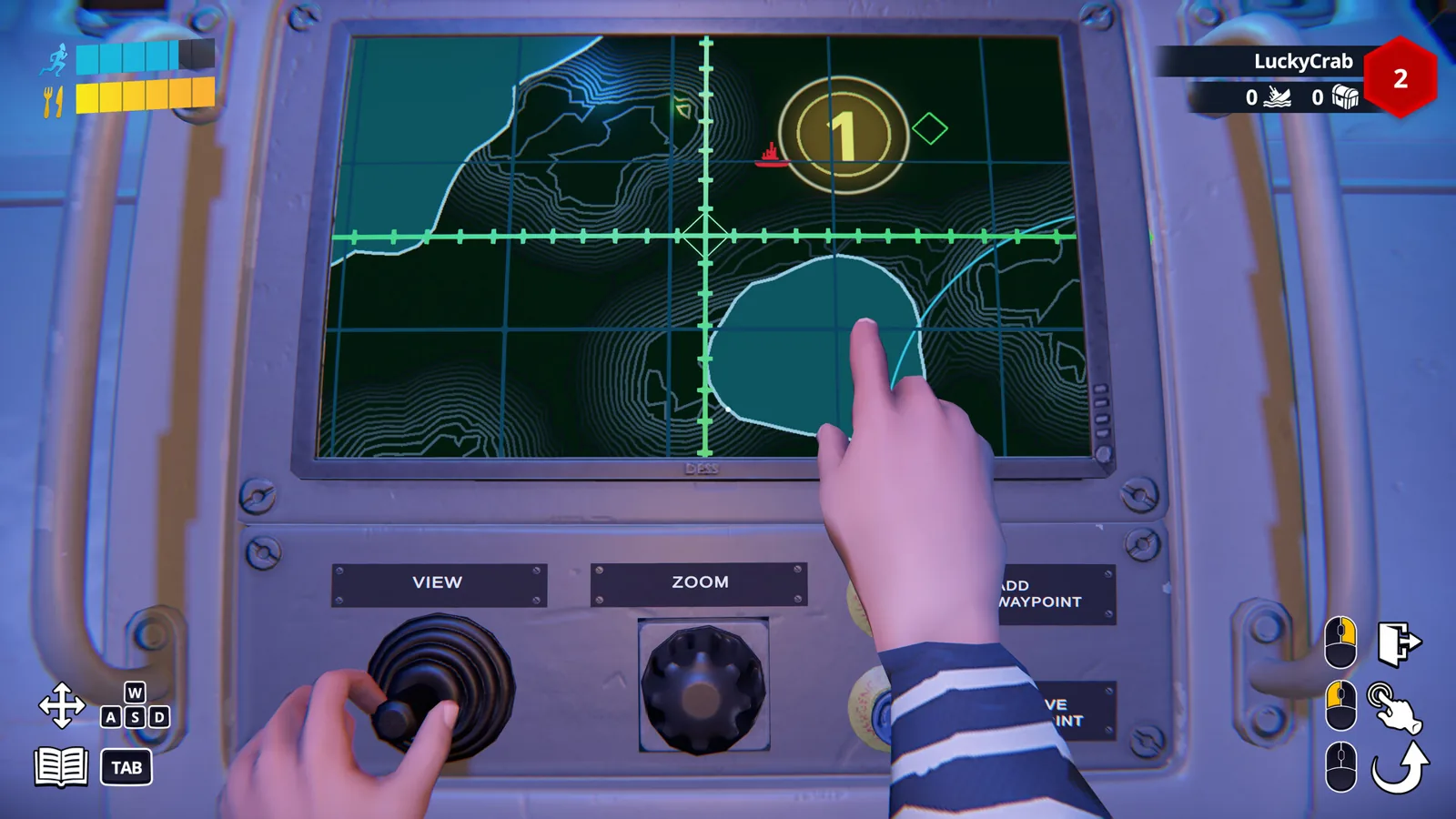
S.O.N.A.R. Periscope Guide: What the Station Does
The periscope is one of S.O.N.A.R.'s nine crew stations. What's confirmed about it, how the demo tutorial teaches it, and what's still unknown.
S.O.N.A.R. Torpedo Guide: Weapons Station Basics
What S.O.N.A.R.'s demo and store notes say about torpedoes: the weapons station, loading, decoys against incoming torpedoes, and mines.
S.O.N.A.R. Depth Controls: How Diving Works
What the S.O.N.A.R. submarine sim actually says about depth controls: a dedicated diving station, crew roles, and where to learn the basics.
S.O.N.A.R. Treasure Recovery: Sonar-Led Salvage
Treasure recovery in S.O.N.A.R. explained: sonar-led salvage missions in the co-op campaign, the crew's roles, and what the demo does and does not confirm.
S.O.N.A.R. Proximity Chat: How Voice and the PA Work
S.O.N.A.R.'s 3D proximity voice chat only carries to nearby crew, so the bridge uses a PA system and an emote wheel to reach the whole sub.
S.O.N.A.R. Controller Support: What the Steam Page Lists
The Steam page lists Full controller support with DualShock and DualSense, plus gamepad vibration in the demo. What that means before launch.