
S.O.N.A.R.: How to Play With Friends in Co-op
How to crew up in S.O.N.A.R.: grab the free Steam demo, split the stations, sort voice chat, and work around the connection snags players hit.
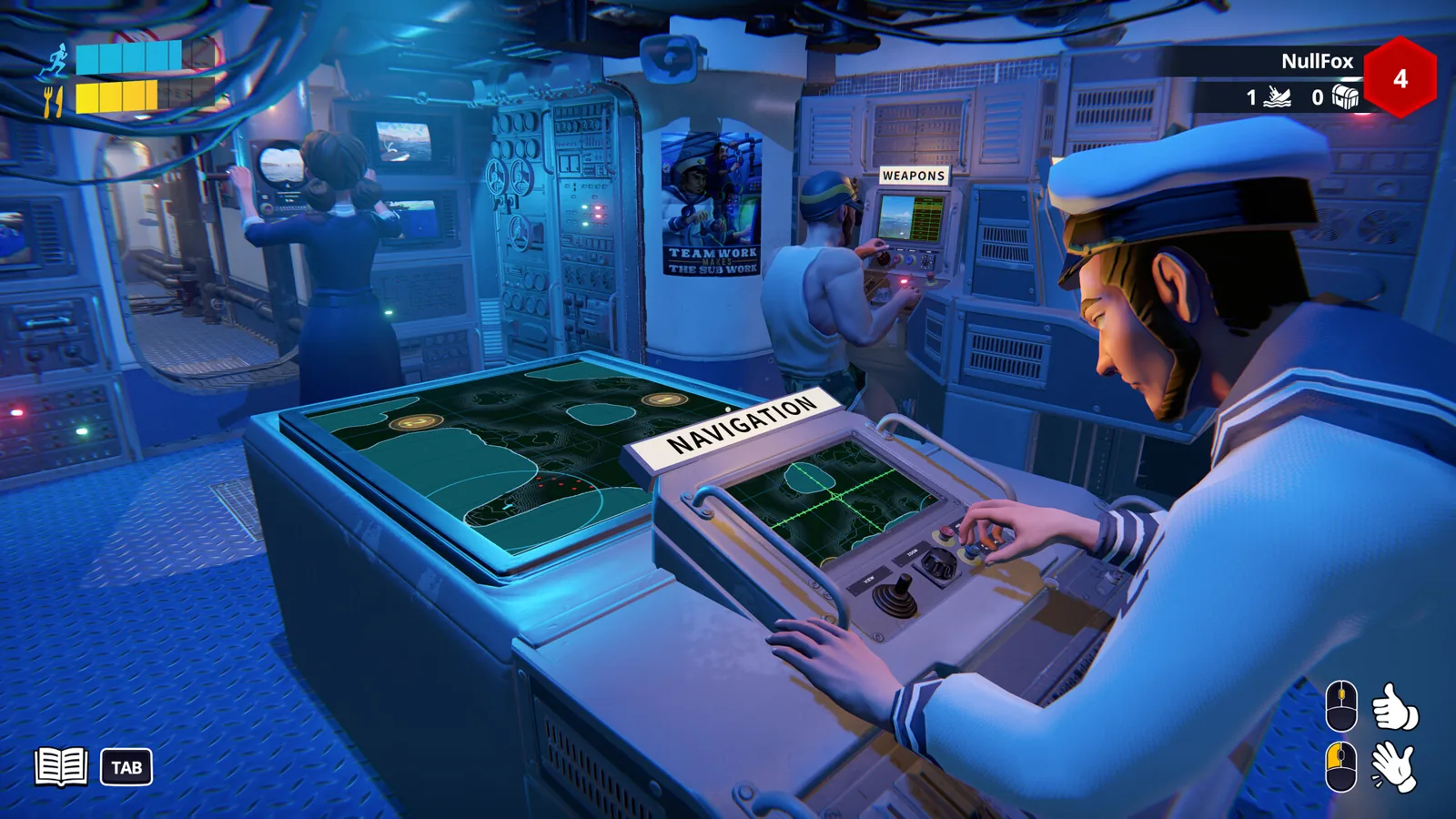
Table of Contents
Short answer: right now you play with friends in the free Steam demo, not the full game — as of 2026-10-22 the official Steam page still says the game "is not yet available" and lists a planned release of October 29, 2026. Everyone in your crew downloads the same free demo from that page, one person runs the tutorial first so somebody on board knows which button floods the boat, then you take a co-op mission together with each player parked at a different station and voice chat carrying the whole thing.
The one honest gap: neither the Steam page nor the demo changelog spells out the exact invite screen, a friend code, or a lobby menu path. So this page covers what is documented — how to get matching builds, how the crew is meant to divide up, how voice works, and what to do when someone can't connect — rather than inventing a click-by-click lobby walkthrough.
What you need before you start
- A Windows PC and a Steam account each. The Steam page lists Windows 10/11 system requirements (5 GB storage, GTX 1050-class minimum), so plan for everyone being on PC.
- The same free demo for everyone. Co-op only works if you're all on the same build; the Next Fest demo was version 0.9.44.0, with a 0.9.41.0 changelog just before it.
- A microphone and headphones. This is not a game you can run on pings. The store page's whole pitch is that "communication is the only thing standing between you and becoming fish food."
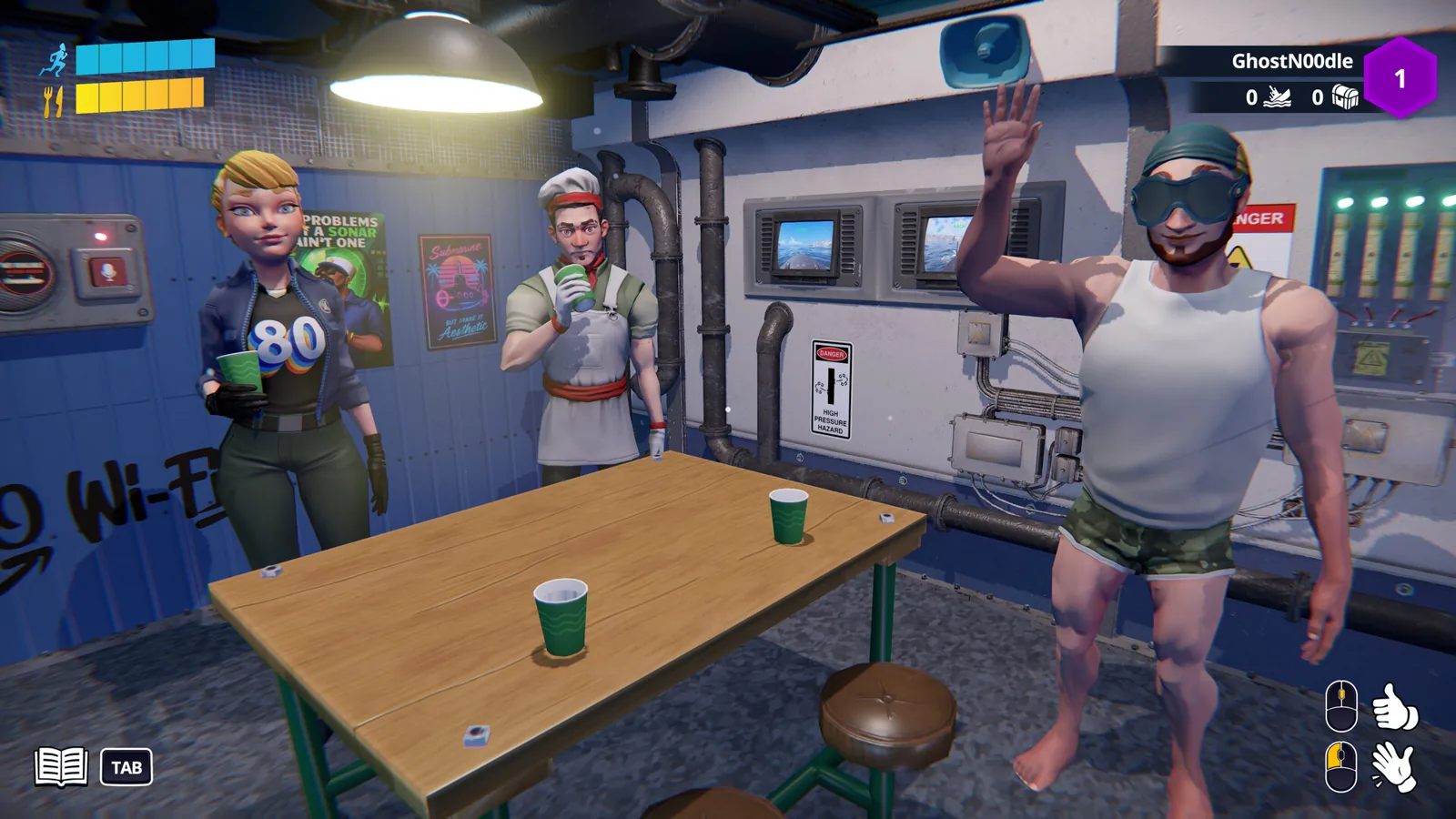
- A friend who is fine being yelled at. The developer describes proximity voice chat as being for shouting urgent orders and explaining why the catastrophe is definitely someone else's fault.
Step 1: Get everyone onto the demo
- Open the official S.O.N.A.R. Steam page.
- Use the demo download option on that page. The demo went live on September 30, 2026 and was featured during Steam Next Fest, October 19–26.
- Have every friend repeat the same download from the same page. Send them the link rather than a description — the store listing is the canonical source.
- Check that you all launched the same demo version before blaming the netcode.
Historically, the earlier playtest used a different route: the Abylight blog explained that you went to the Steam page, scrolled to the "Join the S.O.N.A.R. Playtest" section, and clicked "Request Access," with Steam notifying you when access was granted. That final playtest ran September 24–28, 2026, so treat those steps as history rather than the current way in — the demo is the open route now.
Step 2: Run the tutorial before you run a mission
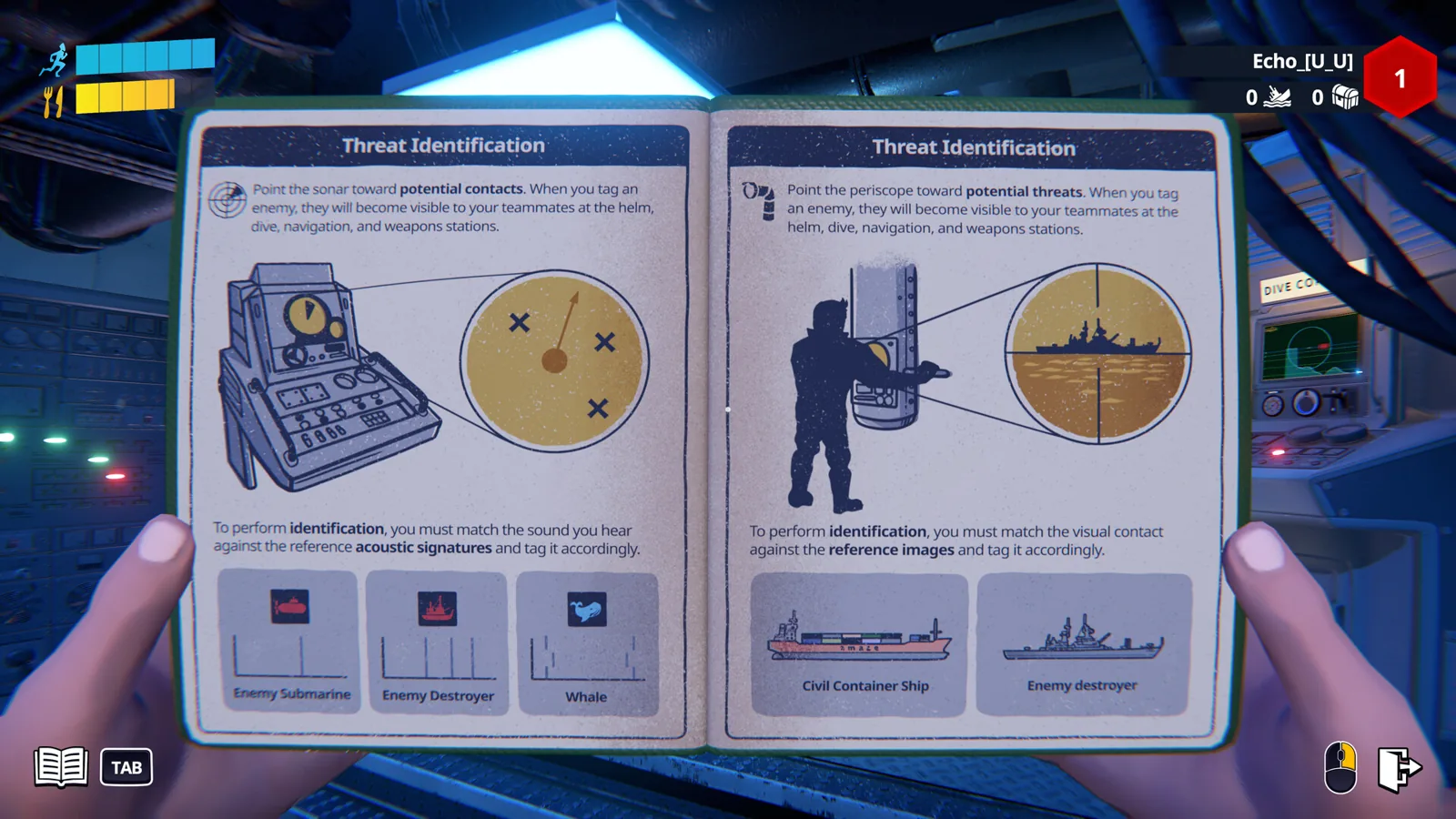
The demo ships with a single-player tutorial and dedicated training stations, plus two selected missions (one of them the Next Fest co-op mission). The tutorial is single-player, so it can't be done as a group — which means the practical order is: everyone plays the tutorial alone, then you group up.
If you skip this, expect the classic first-session result: the boat fills with water while four people read tooltips.
Step 3: Split the nine stations
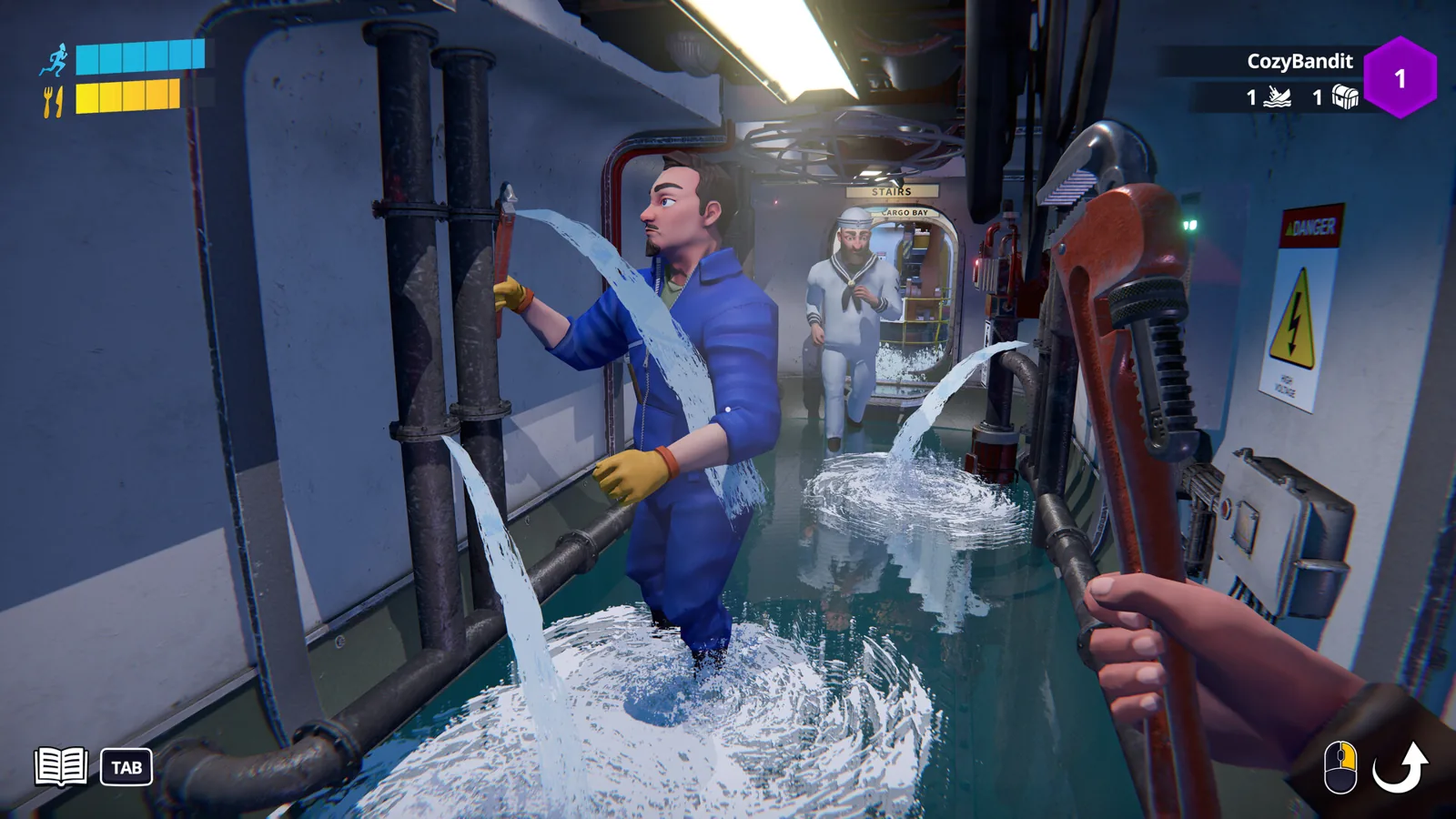
The cooperation section of the store page describes up to four crew members managing nine critical stations, naming navigation, diving, sonar, periscope operations, engineering and damage control. The sonar operator tracks contacts while everyone else keeps the hull intact.
A workable first-crew split based on those station names:
| Player | Job |
|---|---|
| 1 | Sonar — call out contacts and threats |
| 2 | Navigation / piloting — steering and the mission map |
| 3 | Weapons / periscope — torpedoes, decoys |
| 4 | Engineering and damage control — repairs, flooding, fires |
With three players, fold weapons into navigation and keep one dedicated repairer. With two, sonar plus a generalist is the least chaotic arrangement. These pairings follow the station list the developer published; the exact in-game role assignment screen is not described there.
Step 4: Sort voice chat out early
The store page highlights proximity voice chat, and the release announcement adds emotes and Intercom alongside it. That's the communication kit the developer advertises: proximity chat for the shouting, emotes for the wordless despair, Intercom for talking to the crew.
What the material does not say is whether proximity chat is push-to-talk or open mic, or where its settings live — so test it in the tutorial or the first quiet minute of a mission rather than mid-torpedo. If the in-game voice isn't working, running Discord or Steam voice as a fallback is a general habit among co-op players, not a documented S.O.N.A.R. feature.
If a friend can't join or keeps dropping
There is one concrete, documented connection note: the demo changelog for version 0.9.41.0 states that Chinese players now use a different P2P protocol to prevent connections from being randomly blocked in certain regions, specifically to improve the case where "players were unable to connect to lobbies." If you're in that situation, updating to the newest demo build is the documented fix attempt.
Otherwise, keep it simple and conditional rather than promising a cure:
- Confirm you're all on the same demo build, then restart Steam on the machine that fails.
- Because sessions appear to be peer-to-peer, a wired connection on the host side tends to be kinder than hotel Wi-Fi.
- Have the player who fails to connect try hosting instead, if the game lets you swap who starts the session.
Those are ordinary co-op troubleshooting habits, not verified S.O.N.A.R. menu options.
How many friends can actually come?
There's a real inconsistency worth knowing before you invite five people. The Steam page's short description advertises a 1–6 player co-op submarine sim, while the cooperation section and the September 14 release announcement both describe 1–4 player online co-op, and the Next Fest co-op mission was built for 1–4 players. For now, plan around four and treat six as an advertised figure that the detailed material doesn't back up. The demo's practical ceiling is the four-player mission.
After October 29
The full game unlocks October 29, 2026, priced at $9.99 / €9.39 with a launch discount, per the developer's price announcement — and since each player needs their own copy, that's the number to multiply by your crew size. The launch feature list promises a campaign of nearly 40 co-op missions, 4v4 Team Deathmatch, Survival Mode and the tutorial, so the "how to play with friends" answer will shift from demo logistics to campaign progression once it's out. Progress you unlock in the demo is a taste of the full progression system; whether it carries into the launch build isn't stated anywhere in the material.
Next steps
- S.O.N.A.R. Proximity Chat: How Voice and the PA Work
- S.O.N.A.R. System Requirements: Min and Recommended
- S.O.N.A.R. Demo Download: Free Steam Next Fest Build
FAQ
How do I play S.O.N.A.R. - Submarine Operators Not Actually Ready with friends right now?
Download the free demo from the official Steam page on every PC, have each person finish the single-player tutorial, then start a co-op mission together with roles split across sonar, navigation, weapons and engineering while everyone talks over voice chat.
Does everyone need to buy the game to play together?
At launch, yes in the ordinary sense — the developer's price announcement frames the $9.99 / €9.39 tag as something you pick up "with a few friends," implying a copy each. Right now nobody needs to buy anything, because the demo is free and the full game isn't out until October 29, 2026.
Can six people play together?
The Steam short description says 1–6 players, but the cooperation section, the release announcement and the demo co-op mission all describe four. Until the developer clarifies, build your crew around four.
Why can't my friend connect to my session?
Check that you're both on the newest demo build first. The 0.9.41.0 changelog mentions a P2P protocol change for Chinese players aimed at randomly blocked connections and unjoinable lobbies, so an outdated build or a region-level block is the documented suspect; beyond that, standard Steam-era fixes like restarting Steam or swapping who hosts are worth a try.
Source: the official S.O.N.A.R. Steam page and the developer's playtest announcement on the Abylight site.
Related Articles
Continue Reading
S.O.N.A.R. Player Count: How Many Crew Can Play
S.O.N.A.R. - Submarine Operators Not Actually Ready player count: no public figure before launch, plus the crew and match sizes that the Steam page states.
S.O.N.A.R. Proximity Chat: How Voice and the PA Work
S.O.N.A.R.'s 3D proximity voice chat only carries to nearby crew, so the bridge uses a PA system and an emote wheel to reach the whole sub.
pvp
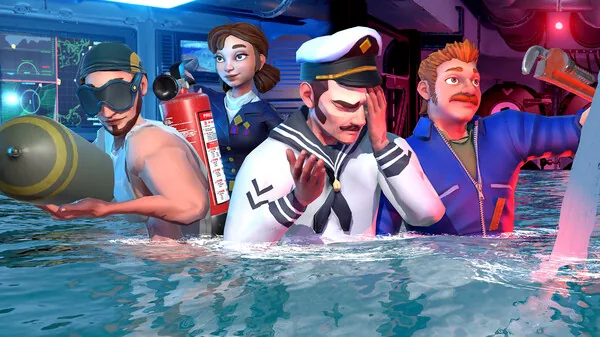
S.O.N.A.R. carries a PvP tag on Steam. The competitive side is online 4v4 Team Deathmatch between two submarines, alongside the co-op modes.
S.O.N.A.R. Depth Controls: How Diving Works
What the S.O.N.A.R. submarine sim actually says about depth controls: a dedicated diving station, crew roles, and where to learn the basics.
S.O.N.A.R. Sonar Guide: How to Use the Sonar Station
Sonar in S.O.N.A.R. is a crew station, not a single button: what the operator does, where to learn it in the demo tutorial, and how to coordinate.
discord
How to reach the S.O.N.A.R. community Discord from the Steam page, what the server hosted during the 2026 playtest, and what to try when an invite fails.