
S.O.N.A.R. Depth Controls: How Diving Works
What the S.O.N.A.R. submarine sim actually says about depth controls: a dedicated diving station, crew roles, and where to learn the basics.
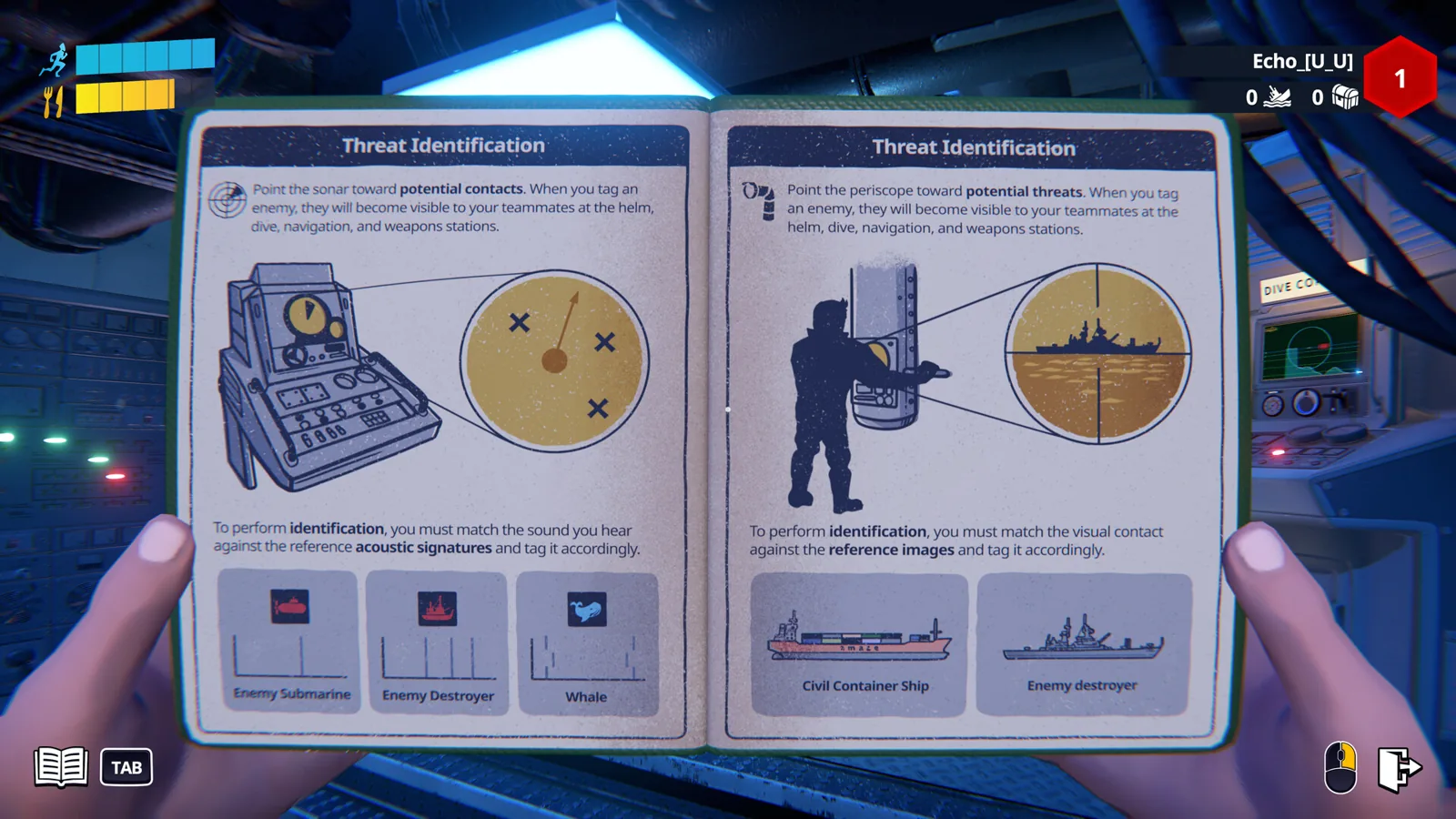
Table of Contents
Short answer
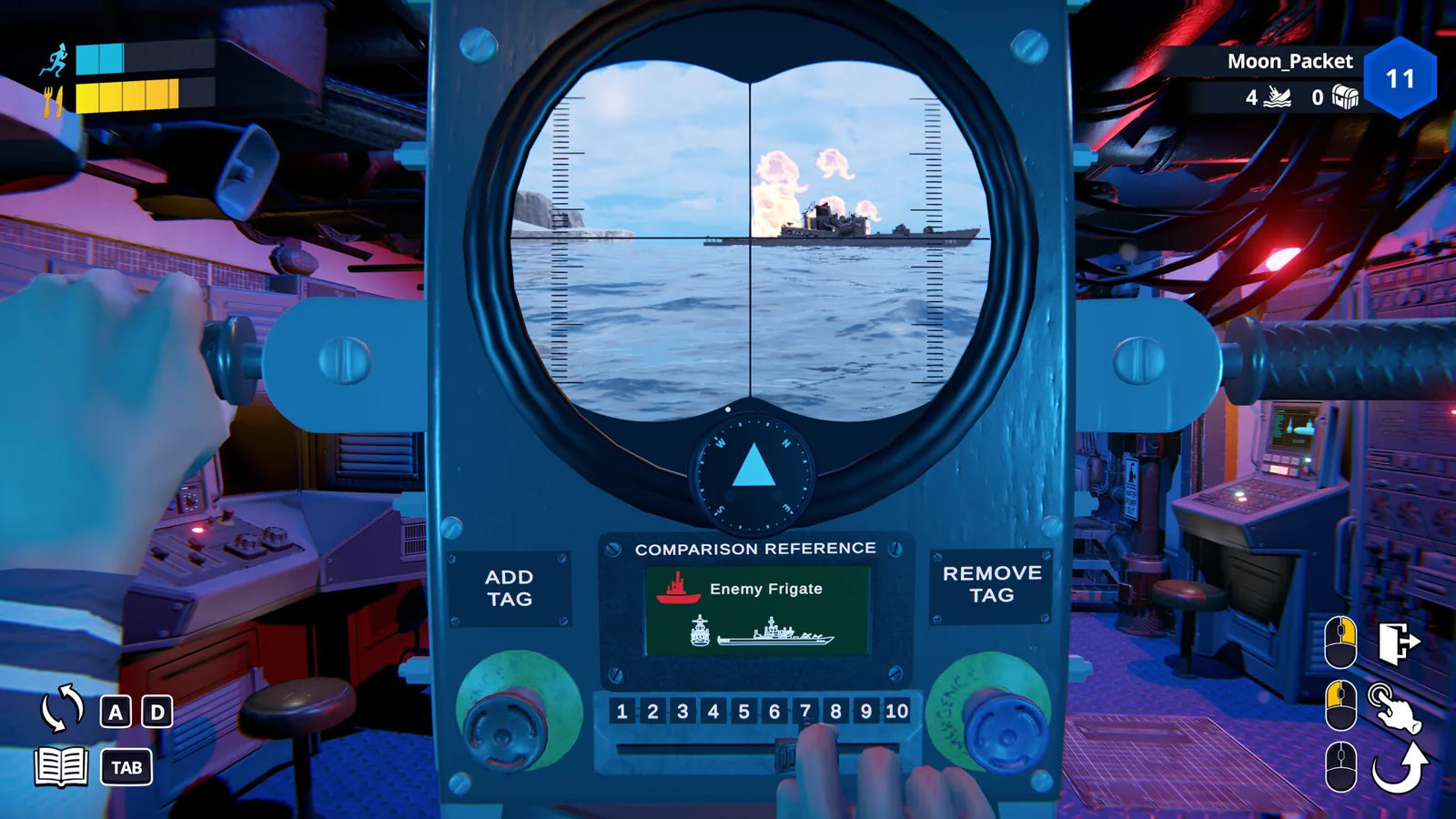
Depth in S.O.N.A.R. - Submarine Operators Not Actually Ready is not a single hotkey you tap to sink or rise. It is handled at a diving station, one of the nine critical stations inside the submarine that a crew member operates in first person. The developer's description on the official Steam page lists the stations as navigation, diving, sonar, periscope operations, engineering, and damage control, and says up to four crew members work together to manage them.
What the material does not contain is a published keybind list: as of 2026-10-22, the Steam store page does not list which buttons raise or lower the boat, and neither the store text nor the Abylight blog post about the playtest spells out a depth-control sequence. So treat any specific "press this to dive" claim you see elsewhere with suspicion until you have checked it in your own build.
What the station model means in practice
Because diving is a station rather than a global control, depth changes are a crew action:
- Someone has to be at the diving station. The game is built around players occupying stations, so the person assigned to diving is the one who actually works the boat's depth.
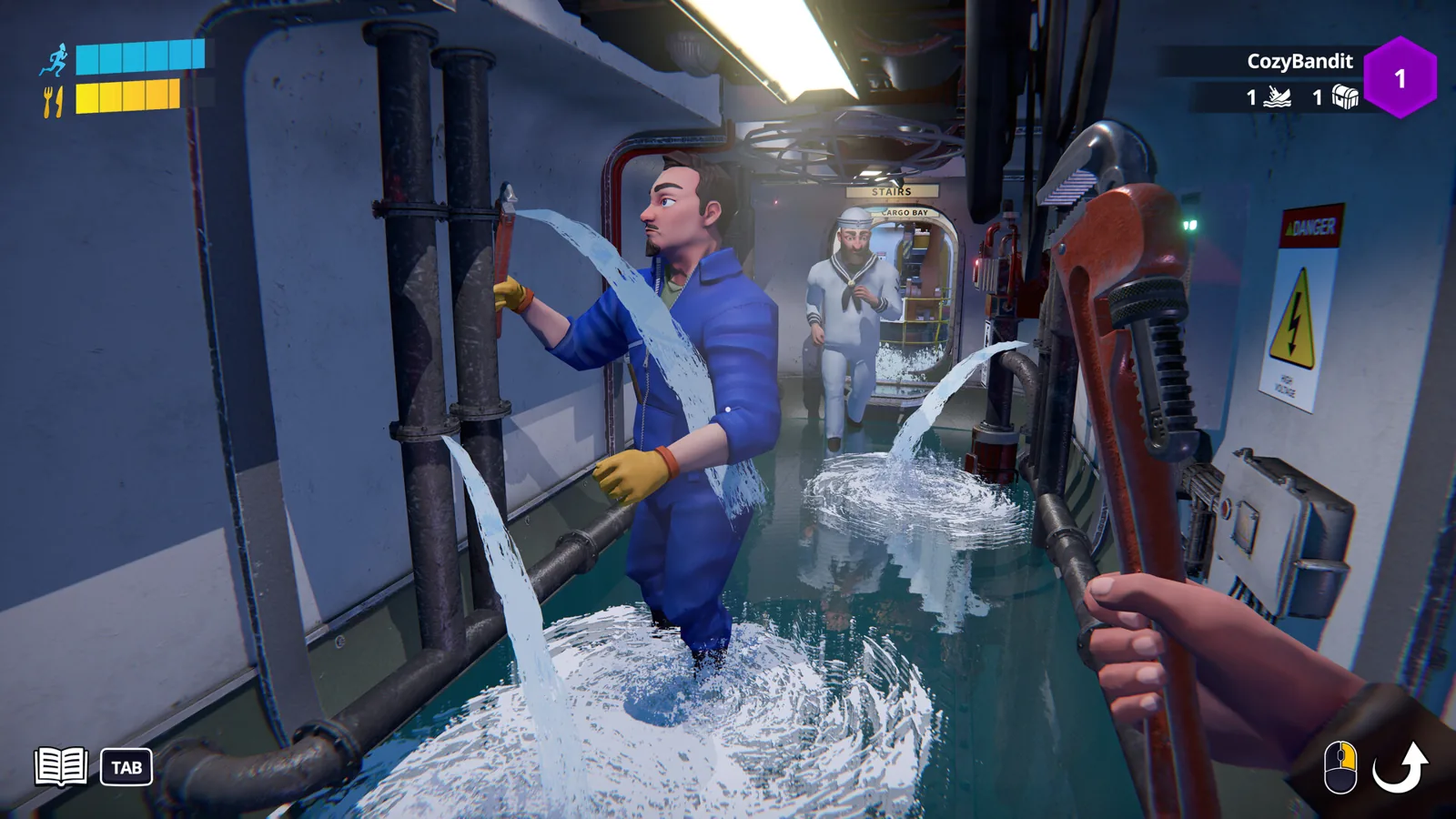
- It competes with other jobs. The same crew also covers navigation, sonar, periscope, engineering and damage control. With a small crew, one player may have to move between stations, which is why communication matters more than reflexes.
- Voice chat is the coordination layer. The store page points to proximity voice chat for shouting orders and warnings, and depth changes are exactly the kind of thing that needs calling out before the hull starts complaining.
Where to actually learn the controls
The most reliable route in the material is the demo's tutorial. The Steam Next Fest announcement (2026-10-19) describes a single-player tutorial with dedicated training stations intended to teach the basics before you head to the seafloor, alongside a new 1–4 player co-op mission. If you are unsure how the diving station responds, that tutorial is the place the developer points you to, rather than a community keybind chart.
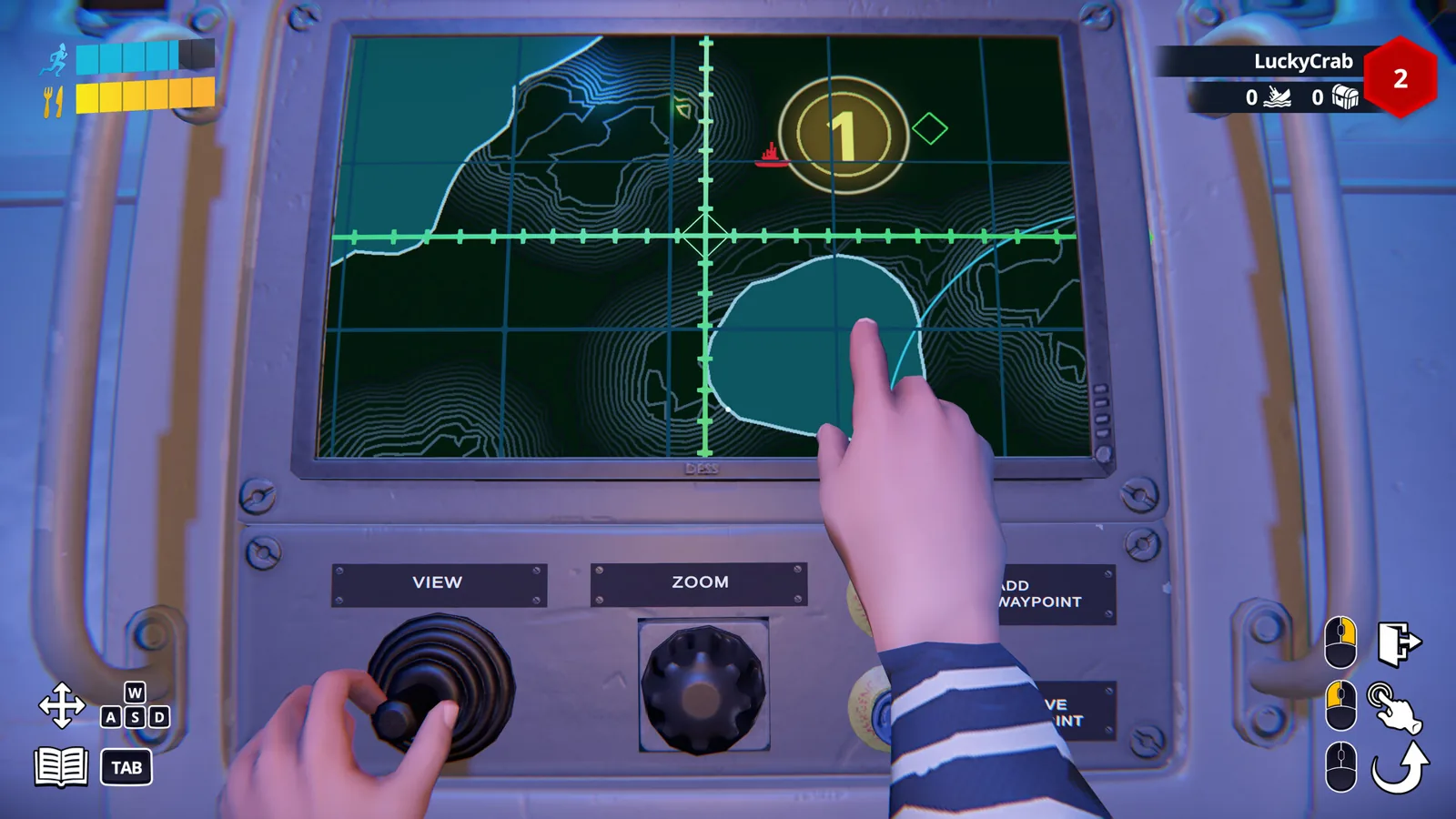
The same announcement's changelog for demo v0.9.44.0 notes that the navigation station was reworked to show a geographical view complementing the mission map view, and that the weapon station can now launch a decoy to evade enemy torpedoes. That is a navigation and weapons change — the material does not describe it as a depth control, so do not assume the navigation view is where you trim the boat.
Related setup details worth knowing
- Controller support: the Steam page lists full controller support, and the demo changelog mentions controller vibration added to gamepad. The published material does not map depth actions to specific controller buttons, so check the in-game bindings yourself.
- Build scope: this reflects pre-release material — the demo build around v0.9.44.0 and store text dated 2026-10-22, ahead of the planned October 29, 2026 release. Station behaviour and bindings can change between demo and launch.
If the boat will not respond the way you expect
These are general troubleshooting habits rather than confirmed fixes: confirm another player is not already occupying or fighting you for the diving station, check that the station is powered and undamaged after a hit, and re-check your bindings in the options if you remapped anything. The game's own framing — "sinking is always one wrong button away" — is a joke about chaos, not a description of a working control.
Next steps
FAQ
How do you control depth in S.O.N.A.R.?
Through the diving station, one of the submarine's nine crewed stations. A crew member operates it in first person; the published material does not give specific keys or button mappings for raising and lowering the boat.
Is there a depth control keybind list anywhere official?
As of 2026-10-22, the official Steam page does not list depth keybinds, and the Abylight playtest post covers how to request access rather than in-game controls. The demo's single-player tutorial with training stations is the documented place to learn station handling.
Can I practise depth controls without a full crew?
The Steam Next Fest announcement describes a single-player tutorial and training stations in the demo, which is the supported way to learn the basics before joining a co-op crew.
Do the depth controls work on a controller?
The Steam page lists full controller support and the demo changelog mentions gamepad vibration, but the material does not publish a controller mapping for the diving station, so verify it in-game.
Related Articles
Continue Reading
S.O.N.A.R. Sonar Guide: How to Use the Sonar Station
Sonar in S.O.N.A.R. is a crew station, not a single button: what the operator does, where to learn it in the demo tutorial, and how to coordinate.
S.O.N.A.R. Character Customization: Uniforms & Gear
What S.O.N.A.R. character customization includes: uniforms, hats, equipment unlocks, demo progression, and the details the public pages leave open.
S.O.N.A.R. Periscope Guide: What the Station Does
The periscope is one of S.O.N.A.R.'s nine crew stations. What's confirmed about it, how the demo tutorial teaches it, and what's still unknown.
S.O.N.A.R. Torpedo Guide: Weapons Station Basics
What S.O.N.A.R.'s demo and store notes say about torpedoes: the weapons station, loading, decoys against incoming torpedoes, and mines.
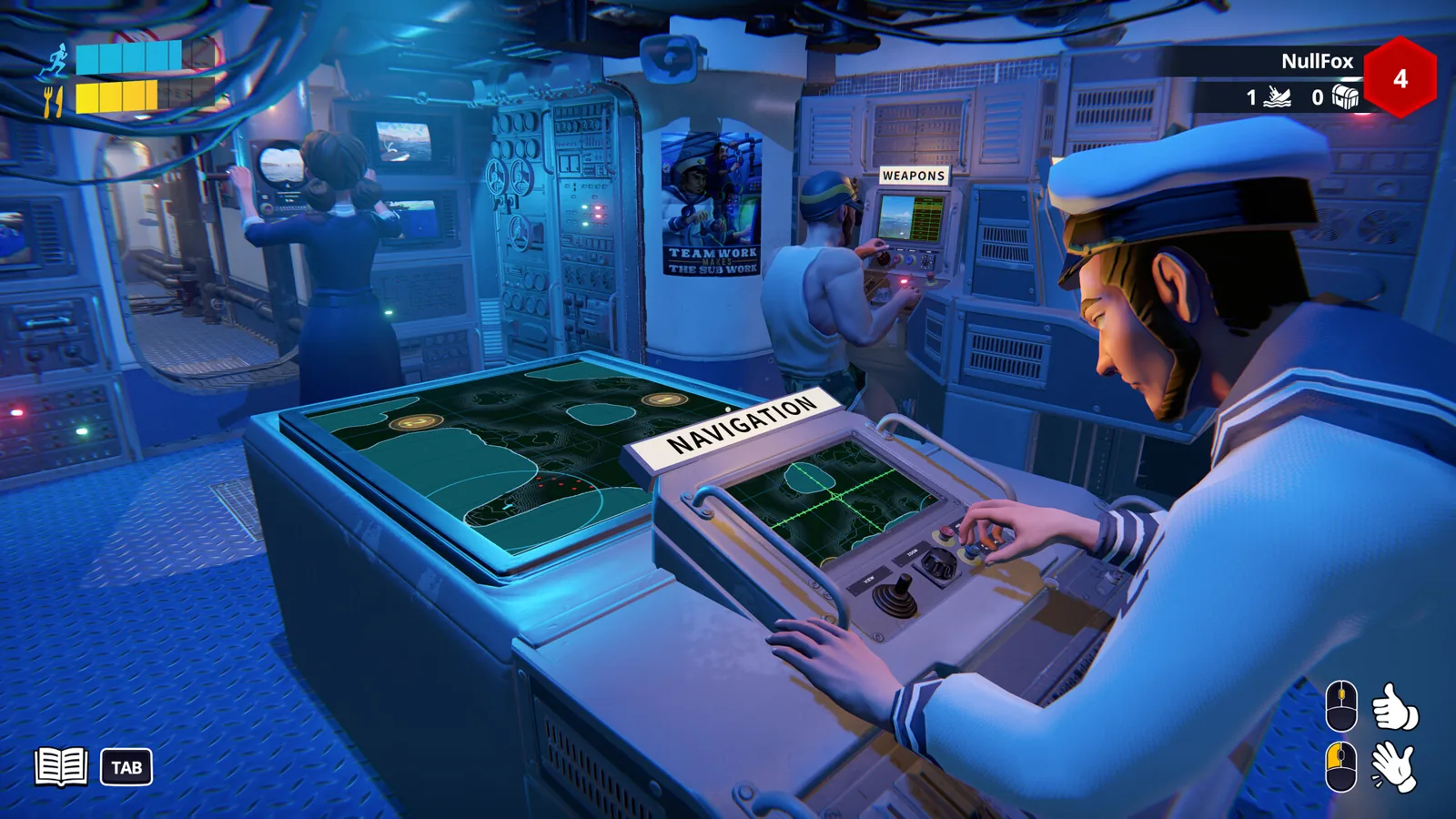
S.O.N.A.R.: How to Play With Friends in Co-op
How to crew up in S.O.N.A.R.: grab the free Steam demo, split the stations, sort voice chat, and work around the connection snags players hit.
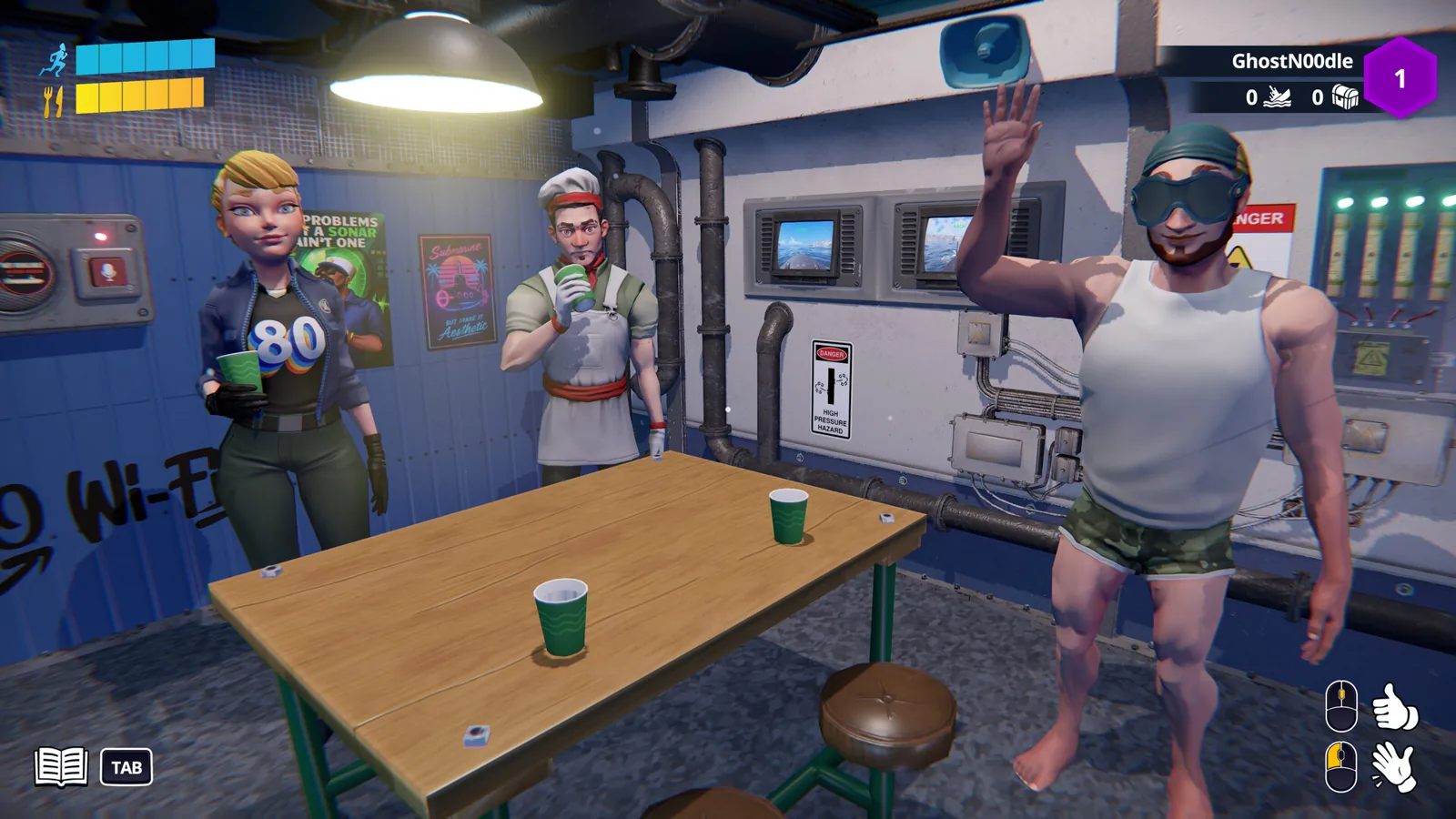
S.O.N.A.R. Player Count: How Many Crew Can Play
S.O.N.A.R. - Submarine Operators Not Actually Ready player count: no public figure before launch, plus the crew and match sizes that the Steam page states.